Power BI Embedded: how to deliver your reports in a branded portal
Learn what Power BI Embedded is, how capacity licensing works and how to build a reporting portal with your brand, your sign-in and access by profile.
In short
- Power BI Embedded shows Power BI reports inside your own portal or system, with your brand, your sign-in and your access rules.
- When you embed for your customers, the company pays for capacity and the portal's end users do not need a Power BI license.
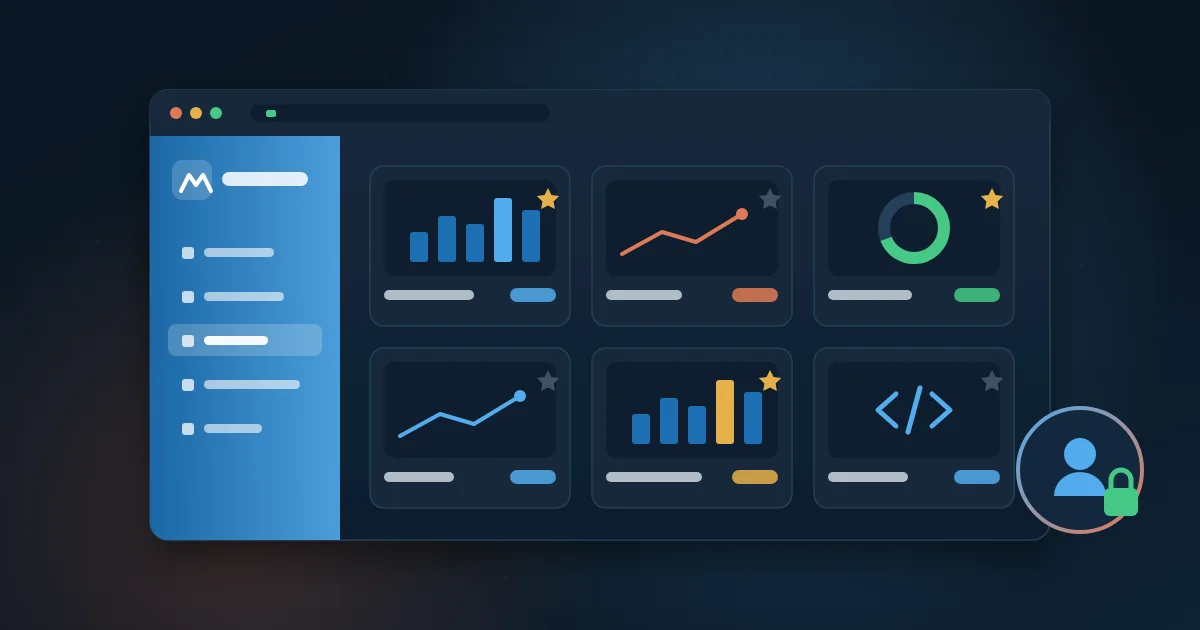
- Access control combines three layers: sign-in to the portal, a report menu by profile and row-level security (RLS) in the model.
- Never use Publish to web for customers: the link is public. Generate the embed token on the server and keep RLS in the data model.
Many companies already have good Power BI reports, but delivery is still improvised: links scattered across emails, people without a license asking for screenshots, external customers who cannot get in and workspaces nobody knows who can open. The report is good. What fails is the path to the people who need it.
Power BI Embedded solves that part. With it, reports appear inside your own portal or system, with your brand, your sign-in and your access rules, without each user having to go into Power BI. In this article we explain how it works, when it is worth it, how licensing changes the math and how to build a reporting portal the right way.
What is Power BI Embedded?
Power BI Embedded is the way to show Power BI reports and dashboards inside another application: a web portal, an internal system, a customer area or an app. The report is still built in Power BI Desktop and published to the Microsoft service. What changes is where it appears and who controls access.
In practice, your application asks Power BI for an embed token, a temporary key that authorizes a specific report to be shown to that user. The report is loaded into the page by the Power BI JavaScript library, with filters, page navigation and interaction, just like in the original service.
The two embedding scenarios
- Embed for your organization: each person signs in with their own Microsoft account and needs access to the content in Power BI. It fits internal employee portals.
- Embed for your customers: the application authenticates to Power BI with a service identity, and people who use the portal sign in with the portal's own login. It fits customers, partners, franchisees and internal teams without a Power BI account.
The second scenario is the most common for branded reporting portals, because it separates the end user from per-person licensing and keeps all access control in your application.
When is a reporting portal worth it?
Not every company needs a portal. If reports are used by a few people, all licensed and used to Power BI, the service itself is enough. A portal starts to make sense when distribution becomes the problem.
- You need to show reports to customers, suppliers, franchisees or partners who are not part of your Microsoft environment.
- Many people only look up numbers, and paying a per-user license for all of them weighs on the budget.
- Each audience needs a different slice of the same data: region, portfolio, unit or customer.
- Reports are spread across several workspaces and nobody finds what they need.
- The company wants the experience to carry its own brand, not the look of a third-party tool.
- Besides Power BI dashboards, there are HTML reports, spreadsheets or external links that should live in the same place.
In finance, for example, a portal brings together the P&L, cash flow and expenses by cost center, with each manager seeing only their own area. In sales, the director sees the whole company, the manager sees the region and the sales rep sees their own portfolio. In a contact center, the operation's customer sees the KPIs of their contract without entering the company's environment.
How does Power BI Embedded licensing work?
This is the part that raises the most questions, and Microsoft's rules change fairly often. So it is worth checking the official documentation before you settle the architecture. The general principle is stable: when the report is embedded for customers, the company pays for capacity, not per user.
- Capacity: a reserved amount of compute in Azure or Microsoft Fabric where reports run. A SKUs, from Power BI Embedded in Azure, can be paused and scaled; F SKUs, from Fabric, can also be used for embedding.
- Who publishes: the developers who build and publish reports still need a Power BI Pro license or equivalent.
- Who consumes: when you embed for customers, the portal's end user does not need a Power BI license.
- Internal scenario: when you embed for your organization, each user usually needs a license, unless the content sits on a capacity large enough to allow viewers without a paid license.
The capacity size depends on data volume, model complexity, refresh frequency and how many people open reports at the same time. A good project starts small, measures real usage and only then adjusts.
How does access control work in a portal?
In a reporting portal, the question is not only who gets in, but what each person sees after getting in. Three layers work together.
- Sign-in: the user enters the portal with Microsoft, Google or the application's own login, and the portal knows who the person is.
- Catalog: the portal decides which reports appear in each profile's menu. The sales manager does not see the payroll report, for example.
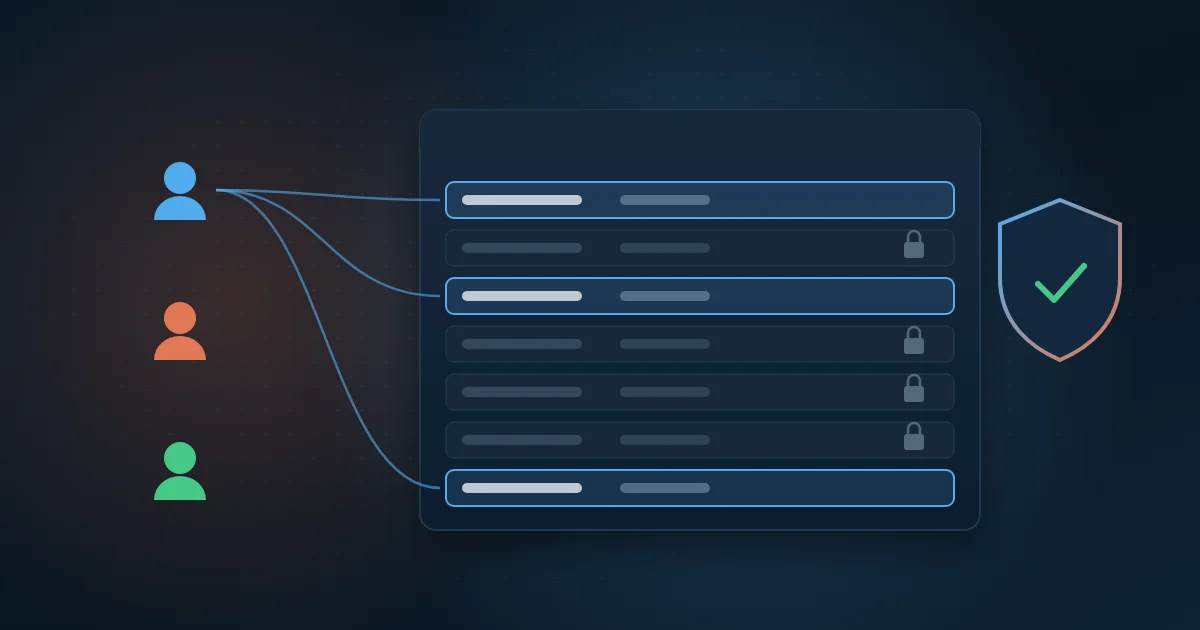
- Rows: inside the report, row-level security (RLS) filters the data. The portal passes the user's identity to Power BI when it generates the token, and the model shows only the allowed rows.
The third layer is the most sensitive. It must be built in the model, with a permissions table, and not with hidden filters on the page, which can be removed. We explain it step by step in the article on Power BI RLS.
A well-built portal also keeps an audit log: who signed in, which report they opened, when, and what they exported. That helps with governance and with data protection rules such as Brazil's LGPD, because it shows that access to personal data is controlled and traceable.
How to build a reporting portal step by step
- List the audiences and what each one needs to see: profiles, data slices and which reports go into each menu.
- Organize the reports: one reliable data model per subject, published to separate workspaces for development and production.
- Define RLS in the model, with a permissions table fed by the portal's user registry.
- Create the service identity (service principal) in Microsoft Entra ID and give it access to the production workspaces.
- Provision the capacity in Azure or Fabric and assign the production workspaces to it.
- Build the portal: sign-in, menu by profile, embed token generation on the server and display with the Power BI JavaScript library.
- Apply the visual identity: colors, logo, your own domain and, if it makes sense, light and dark mode and more than one language.
- Test with real users from each profile, check what each one sees and only then open access to everyone.
A practical rule: the embed token must always be generated on the server, never in the browser. The service identity's credentials must never appear in the code sent to the user.
Which mistakes should you avoid?
- Using Publish to web for customers. It creates a public link, with no sign-in, that anyone can open and share.
- Copying a report for each customer instead of using RLS. Maintenance grows with every new customer.
- Doing security only in the portal, by hiding menus, and leaving the model without RLS.
- Sizing capacity for an imagined peak, without measuring real usage.
- Forgetting data refresh. Even the best-looking portal loses trust if the numbers are out of date.
- Keeping the user registry manual and never reviewed. People who left the company or the contract must lose access.
Power BI Embedded or an HTML dashboard?
Not every report in a portal has to be Power BI. Power BI is great for analysis, filters and exploration. HTML and CSS dashboards make more sense when the experience must be very specific, light on mobile or built into a system's screens. We compare both paths in HTML dashboard or Power BI.
The point is that the portal can hold both. Users find Power BI reports, HTML dashboards and even links to external reports in the same menu, with the same sign-in and the same access rules.
How Wolkee helps
Wolkee delivers Power BI or HTML/CSS dashboards inside a portal with the client's brand: Microsoft or Google sign-in, menu by profile, RLS in the model, access audit and integration with the systems the data comes from. You can explore a sample portal, with illustrative data, on the dashboards and Power BI page.
If distributing your reports has become a problem, start with a free 30-minute assessment. We map who needs to see what, look at your current licensing and point to the simplest path for your scenario.
Frequently asked questions
How much does Power BI Embedded cost?
It depends on the capacity you buy, not on the number of portal users. The price varies with the SKU size, the Azure region and how long the capacity stays on, since A SKUs can be paused. Add the Pro licenses for the people who publish reports. Use the Azure pricing calculator and confirm current prices with Microsoft.
Do portal users need a Power BI license?
No, when you embed for customers. In that scenario the application authenticates to Power BI with a service identity and usage is covered by the capacity. People sign in with the portal's login. When you embed for your organization, with each person using their own Microsoft account, a per-user license is usually required, except on larger capacities.
Can you use Power BI Embedded with Microsoft Fabric?
Yes. Microsoft Fabric F capacities also let you embed Power BI reports in your own applications. That is useful when the company already uses Fabric for data engineering, because the lakehouse, the semantic models and the reports live on the same platform. The choice between an A SKU and an F SKU depends on the rest of the architecture and on usage volume.
Is Power BI Embedded safe for customer data?
Yes, as long as the implementation follows good practice. The embed token is temporary and generated on the server, RLS in the model makes sure each customer sees only their own data and the portal logs who accessed what. Risk comes from shortcuts, such as using Publish to web or filtering data only on screen.