n8n for business: where it helps, where it gets stuck and when to move to code
n8n for business: what it is for, cloud or your own server, where it starts to get stuck and a checklist to know when a workflow needs to become code.
In short
- n8n is a visual automation tool: you connect systems with blocks, without writing a whole program, and you can run it in the cloud or on your company's own server.
- It works very well for short workflows between systems with an API, such as alerts, records passed between tools and message triage, which change often.
- Problems show up with high volume, long business rules, systems without an API and critical workflows without a defined owner, tests or monitoring.
- Many companies use both: n8n orchestrates the simple steps and calls a Python service when the rule becomes too complex to fit in blocks.
Someone on the team discovered n8n, built in an afternoon a workflow that takes website leads, saves them in the CRM and alerts the salesperson, and it worked. Within a few weeks there are ten more workflows: collections, supplier registration, a daily report, email triage. The question that reaches management is whether this can become the foundation of the company's automation.
The short answer: n8n is a great tool for connecting systems and taking repetitive tasks away from people, as long as it is treated as a production system, with an owner, controlled access and monitoring. It starts to get stuck when the workflow carries long business rules, high volume or systems without integration. In those cases, part of the work needs to become code.
In this guide you will see what n8n is, what it is for in each area, cloud or your own server, where it gets stuck, the signs that it is time to move to code and a checklist for putting workflows into production.
What is n8n and how does it work?
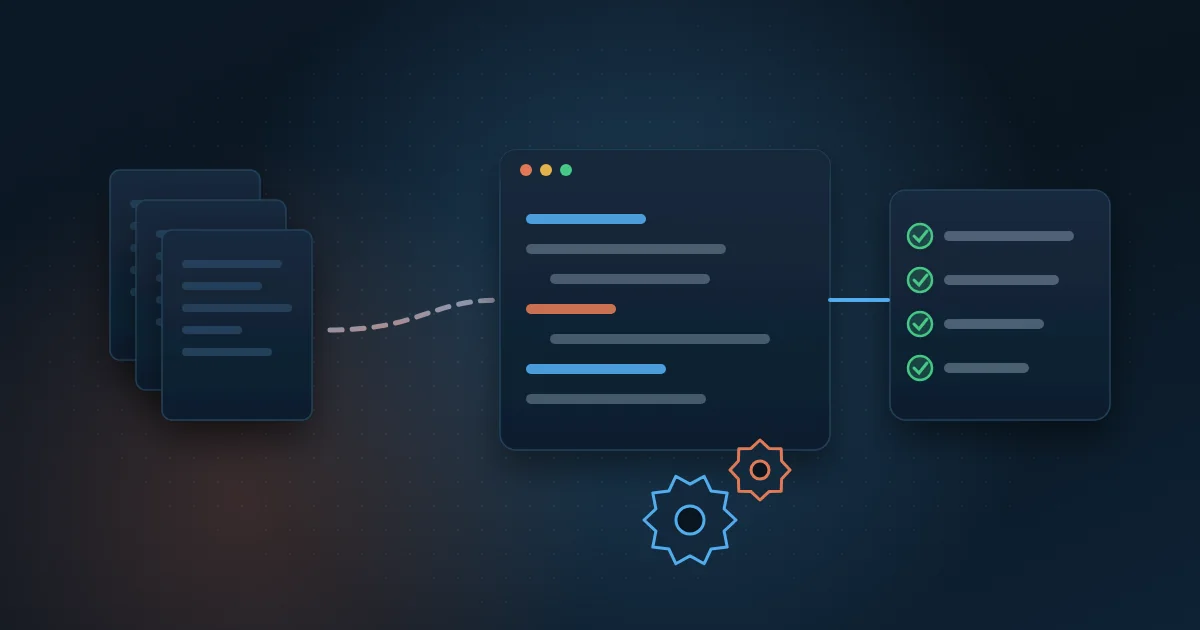
n8n is a workflow automation tool. Instead of writing a program, you build the process on a screen by connecting blocks called nodes: each node does one thing, such as reading a spreadsheet, querying a system, applying a condition or sending a message. It is the same kind of tool as Zapier, Make and Power Automate, which the market calls low-code: little programming, a lot of configuration.
Every workflow starts with a trigger. It can be a fixed time, a submitted form, a received email or a webhook, which is an address another system calls to say that something happened. After the trigger, the data moves from node to node until the end. When a ready-made block does not solve it, there is a code node where you can write snippets in JavaScript or Python.
What sets n8n apart from many of its competitors is that it can run outside the vendor's cloud. There is the cloud version, managed by n8n itself, and the version the company installs on its own server, called self-hosted. This matters when data cannot leave the company's environment.
What is n8n used for in a company?
The best uses are short workflows, between systems that already have an API (the door a system offers to exchange data with another), and that change often. Some examples by area:
- Sales: a lead from the website or a campaign goes into the CRM, gets an owner and triggers an alert in the team chat.
- Finance: alerts for overdue invoices, simple reconciliation between the bank and a spreadsheet and sending duplicate payment slips.
- Customer service: triage of emails and messages by subject, ticket creation and a standard first reply.
- Operations: an order approved in the ERP creates a task for shipping and a notice to the customer.
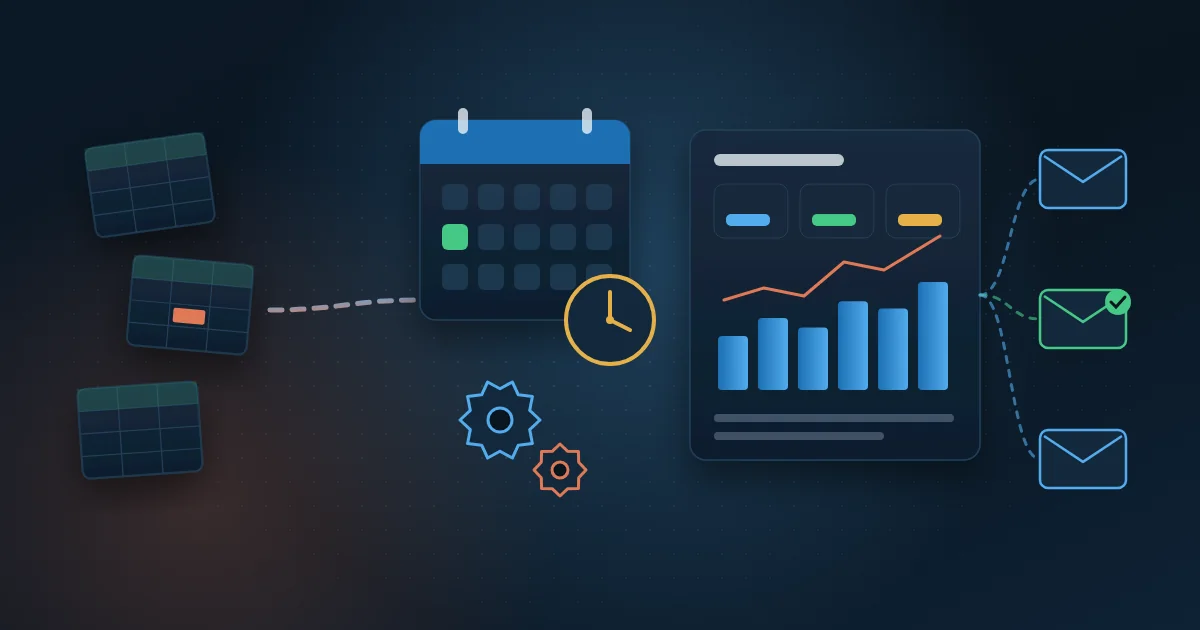
- Management: a daily summary with the main numbers sent by email or chat at the agreed time.
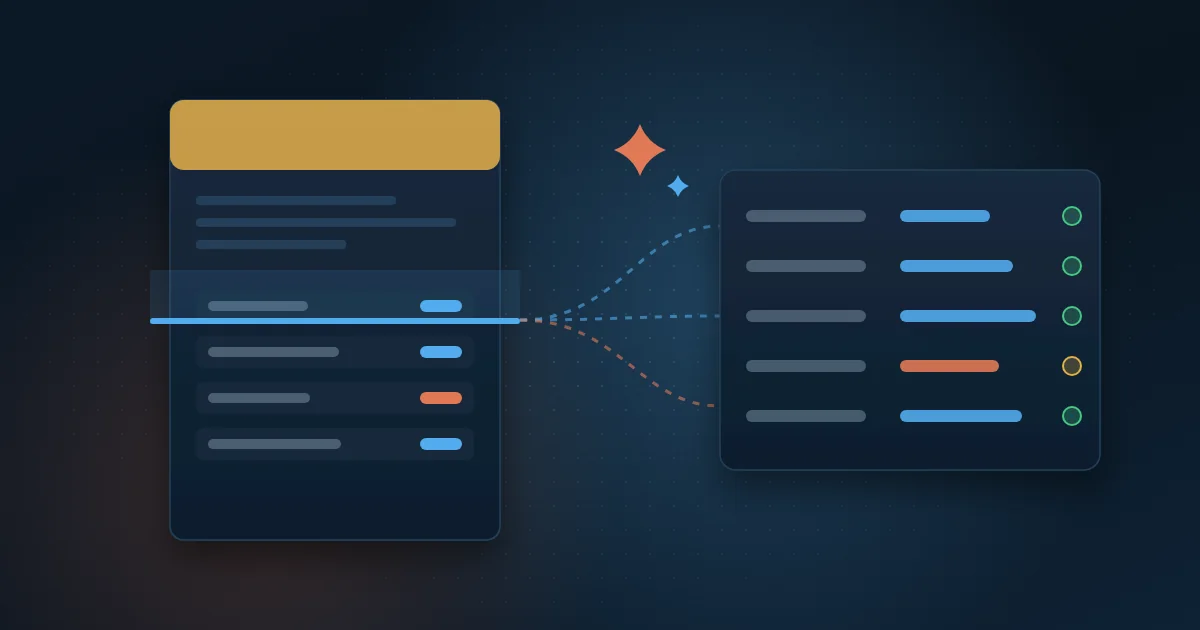
- AI: a language model classifies a message, summarizes a document or extracts fields, and the workflow decides the next step.
If the workflow you want to automate is a recurring report, the guide to report automation shows what to prioritize and how to validate the numbers before switching off the manual spreadsheet.
n8n in the cloud or installed on the company's server?
Both options run the same workflows. What changes is who takes care of the infrastructure and where the data flows.
When the cloud makes more sense
- The company has no team to maintain servers, updates and backups.
- The workflows mostly use systems that are already in the cloud, such as CRM, email and online spreadsheets.
- You want to start quickly and test the value before investing in infrastructure.
When your own server is the best option
- The data is sensitive, such as customers' personal data, and company policy requires it to stay in your environment.
- The workflow needs to reach systems on the internal network, such as an ERP installed on the company's server.
- There is an IT team to handle updates, backups, access and monitoring.
One caution applies to both cases: n8n has its own license, which allows internal use but sets limits for those who want to resell the tool as a service, and some access control features are only in the paid plans. Read the current terms with your legal and IT teams before choosing.
Where does n8n start to get stuck?
n8n does not get stuck because it is bad. It gets stuck when it is used for a kind of work a visual tool was not designed for. The most common signs:
- Giant workflow: dozens of nodes, conditions inside conditions, and no one but the person who built it understands what happens.
- Business rules hidden in scattered code nodes, with no tests and no history of who changed what.
- High volume: thousands of records per run make the workflow slow and use up server memory.
- System without an API: portals that require login, captcha or file downloads are not handled well with ready-made blocks alone.
- Critical workflow without an owner: billing depends on it, but the person who built it has left the company.
- Silent error: a run fails or processes zero records and no one finds out.
A typical case is document reading. Downloading invoices from portals, reading the fields with AI and validating values against history has so many exceptions that it usually works better in code, as the article on automated invoice reading shows.
When should you move from n8n to code?
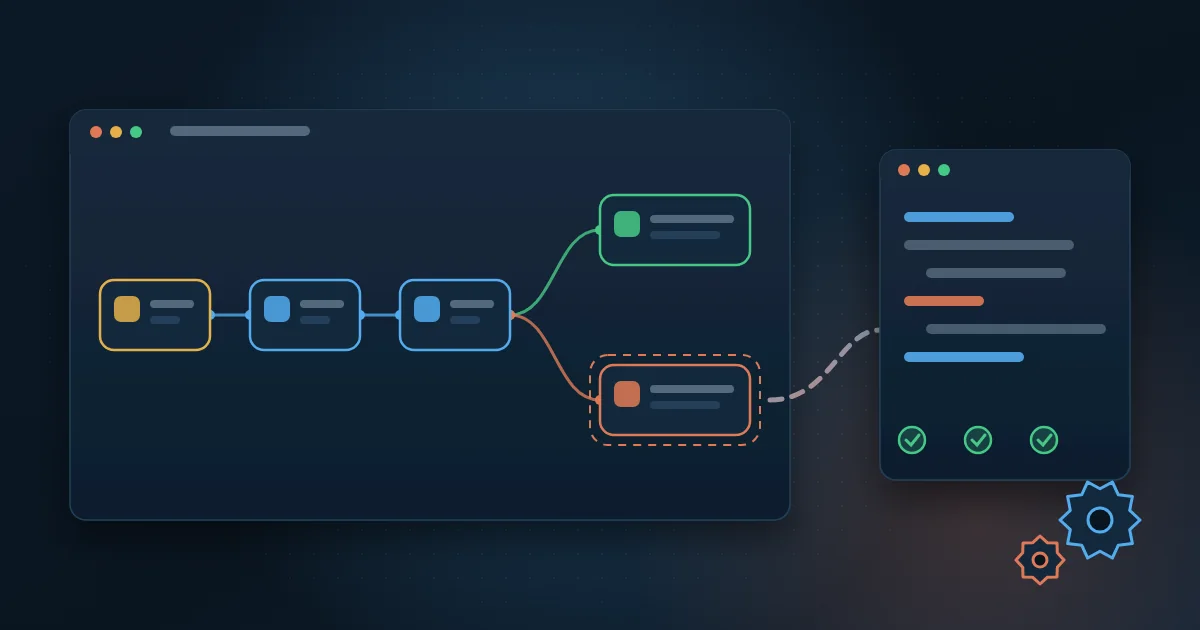
It is not an all-or-nothing choice. In practice, the most common way out is to split: n8n keeps handling the trigger, the alerts and the simple integrations, and calls a Python service, with tests and run logs, when the rule gets heavy. Use this checklist to decide each workflow:
- If the workflow stops, do billing, payroll or customer service stop with it?
- Does the calculation rule have more exceptions than you can explain on one sheet of paper?
- Does the volume per run go beyond a few thousand records or grow every month?
- Does any step depend on a portal without an API, a file with an unstable layout or document reading?
- Does more than one person need to change the workflow, and do you need to know who changed what and when?
- Do auditors or the customer ask you to prove how each number was calculated?
Two or more yeses mean the core of that workflow should become code, versioned and tested. The guide on how to automate processes with Python shows how to choose the process, measure the gain and keep the automation running. When the problem is connecting larger systems, such as ERP and CRM, it is also worth reading the article on ERP and CRM integration.
How do you put n8n into production safely?
Whatever the decision, the workflows already running deserve the same care as any other company system. A step-by-step approach that works:
- Take an inventory: list each workflow, what it does, which systems it touches and who owns it.
- Take n8n off one person's computer and put it in a company environment, with backups.
- Use service accounts in integrations, with minimum permissions, not an employee's personal login.
- Store passwords and keys in the tool's credential vault, never written inside the nodes.
- Set up an error workflow that alerts the owner when a run fails or processes an abnormal volume.
- Export the workflows and keep the versions in a repository, so you know what changed and can roll back.
- Set aside a test environment and change critical workflows only after validating them there.
To measure whether it was worth it, compare before and after: hours per month the team spent on the task, time between request and response, errors and rework, and failed runs. If these numbers do not improve, the problem is rarely the tool: it is almost always a process that was automated without being reviewed.
How Wolkee helps
Wolkee builds process automation with Python and systems integration end to end. We review the workflows you already have in n8n, decide with your team what stays in the tool and what becomes code, and put everything in an environment with an owner, alerts and monitoring. Today there are more than 3,000 automations running per day for clients, in projects in 8 countries.
If your company's workflows grew faster than the control over them, book a free 30-minute assessment. We reply within 1 business day and, when it makes sense, we show a working prototype before the contract.
Frequently asked questions
Is n8n free?
It depends on the version. The community edition can be installed on the company's server with no license cost, but the server, updates, backups and maintenance do cost money. The cloud version and enterprise features, such as more detailed access control, are paid. Check n8n's current plans and license on its website before deciding.
n8n or Zapier: which is better for a company?
It depends on where the data can live and who will maintain the workflows. Zapier runs only in the vendor's cloud and is very simple for short workflows. n8n can run on the company's server, accepts code snippets and handles workflows with many conditions better. For sensitive data or systems on the internal network, n8n usually has the advantage.
Do you need to know how to code to use n8n?
For simple workflows, no. Someone who understands the process and the systems involved can build triggers, conditions and messages on the screen. Knowing a little JavaScript or Python helps handle non-standard data, and knowing APIs helps connect systems without a ready-made block. Critical workflows should have a technical person responsible for review and maintenance.
Can you build AI agents with n8n?
Yes. n8n has nodes that connect language models, such as OpenAI's, and let you build an agent that reads a message, queries systems and decides the next step. The care is the same as with any AI: organized data behind it, clear limits on what the agent can do, a log of its decisions and human review of exceptions.

Partner and Sales Director at Wolkee
He started on the technical side, moved into consultative pre-sales and today follows Wolkee's BI, data and automation projects from diagnosis to delivery.
LinkedIn