Process automation with Python: what to automate first and how to measure it
Learn what process automation with Python is, when it beats traditional RPA, examples by area and a checklist to choose the first process to automate.
In short
- Process automation with Python uses scripts to collect, process and post data without manual clicks, integrating through an API, a database or the browser screen.
- Python usually beats traditional RPA when there is volume, calculations and systems with APIs; screen-based RPA is a better fit for legacy systems without integration.
- To choose the first process, assess volume, rule clarity, system stability and cost of error, and favor a visible, low-risk case.
- Logging, monitoring, reprocessing, a credential vault and a baseline measured before the project separate a reliable robot from a black box.
Every company has processes that eat up hours of skilled people's time with repetitive tasks: downloading files from portals, copying amounts from a PDF into a spreadsheet, checking bank statements, entering data in the ERP, building the same report every Monday. The tasks are simple, but they delay the month-end close, create typing errors and take time away from analysis.
Process automation with Python solves much of this. Python is an open programming language with no license cost and ready-made libraries to read spreadsheets, PDFs and e-mails, access databases, call APIs and even operate websites as if it were a person. With it, a robot runs the steps on its own, at the right time, and sends an alert when something is out of the ordinary.
In this guide you will see when Python makes more sense than traditional RPA tools, practical examples by area, a checklist to choose the first process, and what it takes to keep automations secure, monitored and measurable.
What is process automation with Python?
Process automation with Python is the use of scripts, small programs written in Python, to carry out tasks that today depend on someone clicking, copying and pasting. The script follows rules defined by the business team: where to get the data, how to process it, what to check and where to send the result.
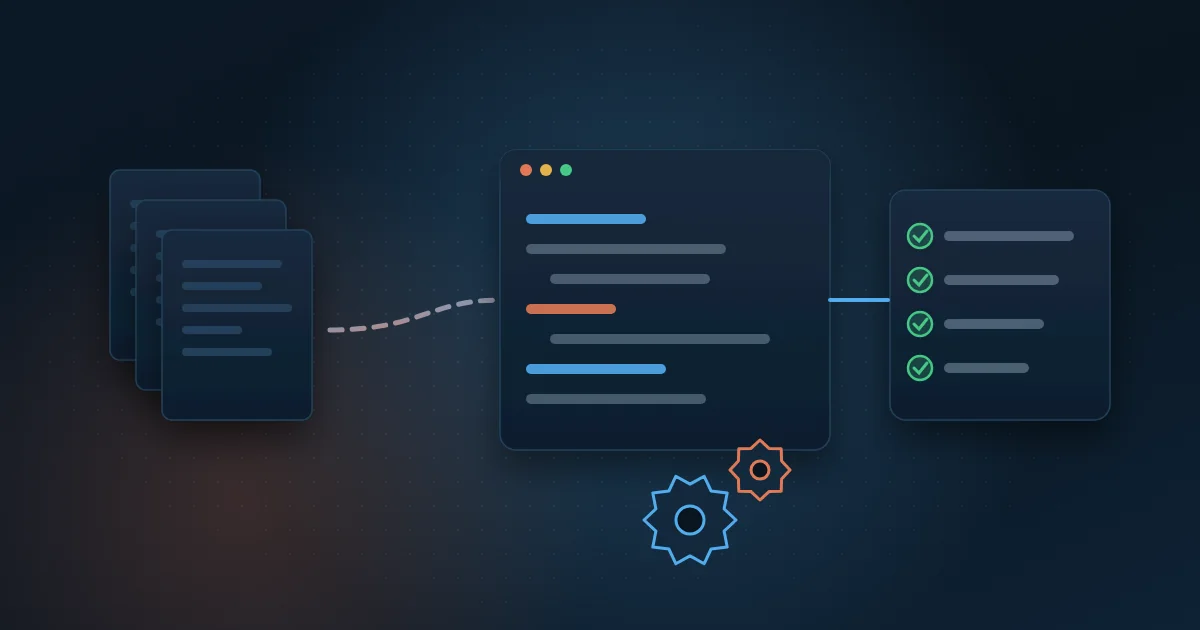
In practice, a typical automation has four stages: collection (downloading files, reading e-mails, querying an API or a database), processing (cleaning, converting and cross-checking information), action (posting to the system, generating a file, sending a report) and logging (recording what was done, with date, time and result). A scheduler triggers the robot at fixed times or when a new file arrives.
An API, short for application programming interface, is the door a system offers so another system can exchange data in a structured way. When one exists, the automation is faster and more stable. When it does not, Python can also operate the browser screen, just as a user would.
Python or traditional RPA: when should you use each?
RPA, short for Robotic Process Automation, is the name given to commercial tools that record and replay clicks on screens, usually with a visual editor. Python and RPA are not enemies. Each one fits a different kind of scenario better.
When traditional RPA makes sense
- The process depends on legacy desktop systems with no API and no database access.
- The company already has licenses, a trained team and a center of excellence in an RPA tool.
- The flow is short, very visual and rarely changes.
When Python is the better choice
- There is a large volume of data, calculations, cross-checks and validation rules.
- The systems offer an API, a database or structured files.
- The automation needs to talk to databases, AI models and dashboards.
- You want to avoid per-robot license costs and keep the code versioned, tested and documented.
One point that is often forgotten: tools that rely only on the screen break when a button moves. Whenever possible, prefer integration through an API or database and leave screen operation for cases with no alternative.
Examples of Python automation by area
The best candidates are frequent tasks with clear rules and digital data. Some examples found in almost every company:
- Finance: downloading invoices, bank slips (boletos) and bills from supplier and utility portals every day, with files renamed and organized.
- Finance: bank reconciliation, matching the statement against payables and receivables and listing only the discrepancies for review.
- Operations: reading documents such as invoices, orders and receipts, extracting the fields that matter.
- Controllership: ERP entries from spreadsheets or files from other systems, with checks before saving.
- Sales: portfolio, target and commission reports generated and e-mailed automatically to each manager at the same time.
- Contact center: daily consolidation of queue, agent and satisfaction survey data coming from different platforms.
- Energy: collecting utility bills and cross-checking billed energy against plant generation data.
- Data: quality checks that look for empty, duplicate or out-of-range values before they reach the reports.
Document reading has reached another level with language models. We explain the steps in the article on automated invoice reading with AI. And when the bottleneck is data exchange between systems, the guide to ERP and CRM integration is also worth reading.
How do you choose the first process to automate?
Starting with the company's most complex process is the shortest path to frustration. The first project should be visible, low risk and have gains that are easy to measure. Use this checklist and score each candidate from 1 to 5:
- Volume: is the task done every day or every week, with many repetitions?
- Rules: can you write down the steps without relying on case-by-case judgment?
- Stability: do the systems, screens and file layouts rarely change?
- Cost of error: does a manual mistake lead to fines, rework, duplicate payments or a delayed close?
- Digital data: is the information already in files, systems or e-mails rather than on paper?
- Process owner: is there someone in the team who knows the exceptions and will validate the result?
Processes that score high on volume, rules and cost of error tend to bring the best return. If stability is low, automation may still be worth it, but plan for more maintenance.
Common mistakes when starting
- Automating a bad process without simplifying it first.
- Not mapping the exceptions and finding the special cases only in production.
- Leaving the robot running on someone's computer, with no server or scheduler.
- Not measuring the time spent before the automation, which makes it impossible to compare later.
Logging, monitoring and reprocessing: what can't be missing?
An automation without oversight becomes a black box. When it fails silently, the problem shows up days later, at month-end close. That is why three features are mandatory in any robot that goes into production.
A log is the detailed record of each run: what was processed, how long it took, what worked and what failed. Monitoring is the automatic alert, by e-mail or message, when a run fails, takes too long or processes fewer items than expected. Reprocessing is the ability to rerun only the items that failed, without duplicating what was already done.
For reprocessing to be safe, each item needs a unique ID and a status, such as pending, processed or failed. That way, if a portal goes down in the middle of collection, the robot resumes where it stopped on the next run. A simple dashboard with runs, volumes and errors helps the process owner follow everything without opening technical files.
How do you ensure security and LGPD compliance in automation?
Robots access systems, portals and sensitive data, so they must follow the same security rules as an employee. The LGPD (Brazil's data protection law) also applies to personal data processed by automations.
- Store passwords and keys in a credential vault, never inside the code or in spreadsheets.
- Create dedicated service users for the robots, with the minimum access each one needs.
- Process only the personal data needed for the purpose and define how long it is kept.
- Keep the code in a versioned repository, with review before each change.
- Record who changed what and when, to make audits easier.
Involve IT and the company's data protection officer from the start. This avoids rework and speeds up project approval.
How do you measure the results of process automation?
The return on an automation should be measured with numbers from the process itself, comparing before and after. Before you start, record the baseline: how many hours per month the task takes, how many errors happen and how long it takes from start to finish.
- Hours freed up per month and which activities the team was reassigned to.
- Cycle time, for example, how many days the close or the reconciliation takes.
- Error and rework rate, compared with the manual period.
- Run success rate and number of items that needed human intervention.
- Direct financial impact, such as fines and interest avoided or duplicate payments blocked.
Review these indicators monthly during the first months. They show whether the automation is stable and help decide which process comes next in line.
How Wolkee helps
Wolkee builds process automation with Python end to end: mapping, development, logging, monitoring, and support and maintenance. Today, more than 3,000 automations run every day for clients. At Grupo Paulo Octavio, invoice reading went from three weeks to minutes.
If you have a repetitive process in mind, book a free 30-minute assessment. We review the case with you, tell you whether automation pays off and, when it makes sense, show you a working prototype before the contract.
Frequently asked questions
Can Python automate systems that have no API?
Yes. Libraries such as Selenium and Playwright let a Python script open the browser, log in, fill in fields and download files, just as a user would. This type of automation works well, but it is more sensitive to screen changes. That is why, whenever an API, database or structured file exists, that is the more stable option.
Where does a Python automation run?
On a server or in a cloud environment, never on an employee's computer. A scheduler triggers each robot at the set time or when a new file arrives, and the logs are centralized. This ensures the automation runs even when the team is on vacation, allows failures to be monitored and makes it easier to apply IT security rules.
Does process automation replace people?
Generally, no. Automation takes the repetitive part away from people, such as copying, pasting and checking, and leaves them the analysis, exception handling and decisions. The expected result is that the same team handles more volume, with fewer errors and more time for activities that require judgment.
Does Python have a license cost?
No. Python is a free, open-source language, as are most of the libraries used in automation. The costs of a project lie in development, the infrastructure where the robots run and maintenance over time. Unlike many RPA tools, there is no charge per robot or per run.