Report automation: how to stop building spreadsheets every Monday
Report automation in practice: what to automate first, email or dashboard, the project step by step, common mistakes and how to measure the gain.
In short
- Report automation pulls data straight from the systems, with the same calculation rules, and delivers it on time, with no one copying and pasting spreadsheets.
- Start with the report that is frequent, takes hours to build and causes complaints when it is late; it usually brings the fastest and most visible gain.
- Emailed reports suit fixed snapshots and external audiences; dashboards suit people who need to filter, compare and follow numbers that change during the day.
- Before switching off the manual process, run both in parallel, set up volume alerts and control totals and name an owner to maintain the rules.
Monday, eight in the morning. Someone on the team opens the ERP, exports the week's sales, downloads another spreadsheet from the CRM, pastes everything into a master file, fixes the formulas that broke, checks the totals and emails the report to the board. Around noon, the number arrives. Next week, the same thing all over again.
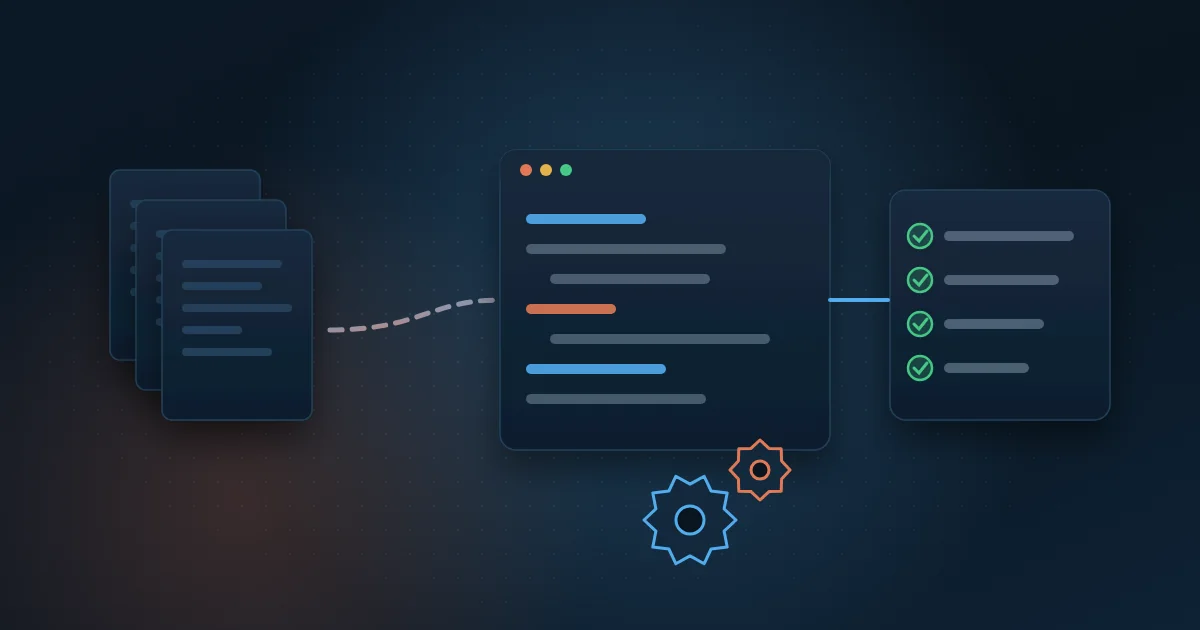
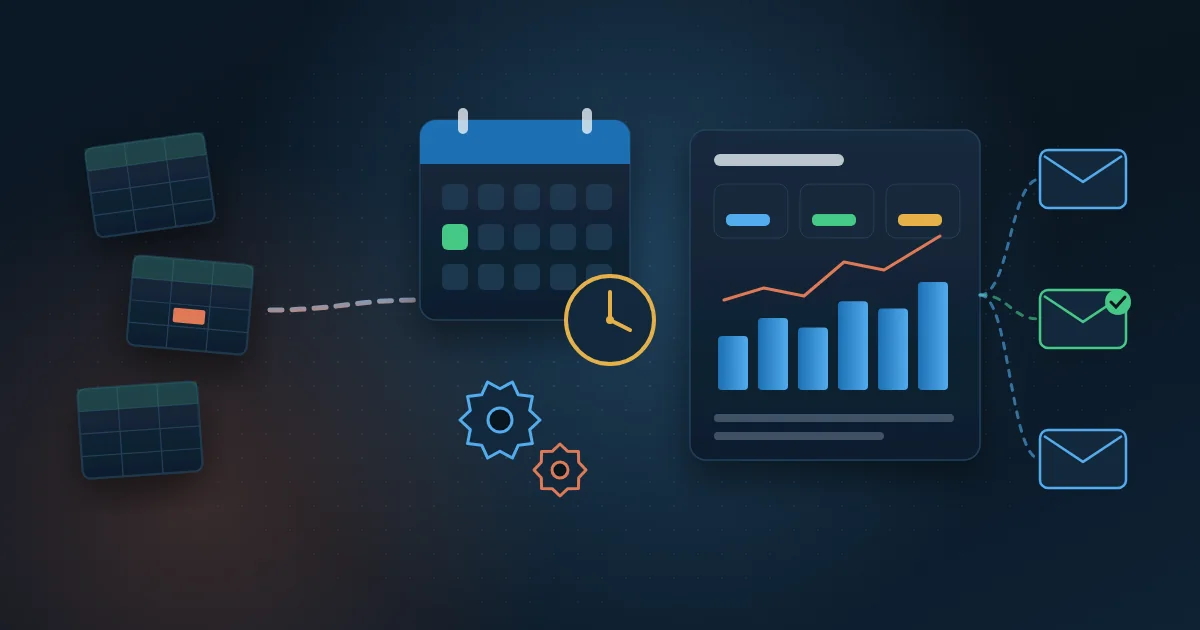
Report automation ends this routine. Data is collected straight from the systems, processed with the same rules every time and delivered at the agreed time, either by email or in an up-to-date dashboard. The person who used to build the spreadsheet starts analyzing the result instead of producing it.
In this guide you will see what can be automated, when an emailed report or a dashboard makes more sense, the step-by-step of a project, the most common mistakes and how to measure the gain.
What is report automation?
Report automation means having a recurring report produced without manual work. Instead of someone exporting, copying and pasting, a scheduled process fetches data from the sources, applies the calculation rules, builds the output and delivers it to whoever needs it.
The output can take several forms: a spreadsheet generated on its own, a PDF attached to an email, a short message with the day's numbers or a dashboard that refreshes at fixed times. The format matters less than the main rule: the number is always calculated the same way, regardless of who is on duty.
It is a specific kind of process automation. If you want to understand the broader topic, see the guide to process automation with Python, which shows how to choose and measure automations in general.
Which reports should you automate first?
The best candidates are reports that repeat often, always follow the same format and take up someone's hours. Some examples by area:
- Sales: weekly revenue by salesperson, region and product, compared with the target.
- Finance: cash position, the week's payables and receivables and overdue invoices.
- Controlling: monthly close with results by cost center.
- Operations: production, inventory, late orders and missed deliveries.
- Contact center: contact volume, waiting time, abandonment and service level by queue.
- Energy: plant generation compared with expected generation and alerts for stopped equipment.
A good question for prioritizing: if this report is a day late, does anyone complain? If the answer is yes, it is important. If it also takes hours to build, it goes first in line.
Emailed report or dashboard: which one to choose?
Both options solve the manual work problem, but they serve different uses. Many companies end up using both.
When an emailed report works best
- The audience wants to receive a few numbers without opening another tool.
- The report is a snapshot of a moment, such as the month-end close.
- There are external recipients, such as partners, who have no access to the systems.
- The format must be fixed, for example for archiving or auditing.
When a dashboard is the better choice
- People need to filter, compare periods and drill down to the detail.
- Numbers change during the day and the decision cannot wait until Monday.
- Each manager should see only their own area, with access rules.
- The same data feeds several different reports.
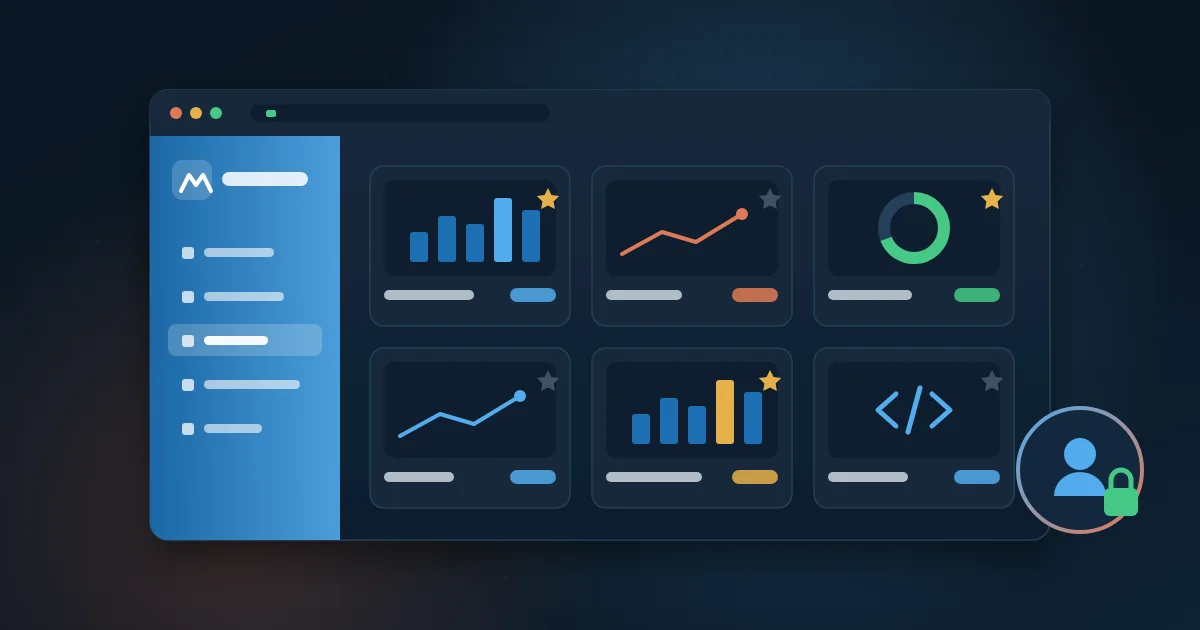
Tools such as Power BI let you combine the two: the dashboard refreshes on its own and, depending on the license, users can subscribe to receive a page by email on a regular schedule. If you are deciding where to build the dashboard, the article on HTML and CSS dashboards or Power BI compares the options.
How to automate a report, step by step
A report automation project usually follows this sequence. It applies to a simple report as well as to a set of dashboards.
- Choose one report and record how long it takes today, who builds it and who receives it.
- Document the current step-by-step, including the manual adjustments no one ever wrote down.
- List the data sources and how to access each one: database, API (the door a system offers to exchange data with another), exported file or portal.
- Write down the calculation rules for each indicator and validate them with the people who use the report.
- Build the collection and processing, storing the data in a central place rather than in spreadsheet copies.
- Build the output: the email, the file or the dashboard.
- Run it in parallel with the manual process for a few weeks and compare the numbers.
- Set the schedule, failure alerts and someone responsible for maintenance, and only then switch off the manual process.
Step two is the one that surprises people most. Almost every manual report has invisible fixes: a customer left out of the total, a return entered by hand, a branch that sends its spreadsheet in a different layout. If these rules are not found beforehand, the automated report comes out different from the manual one and loses trust in the very first week.
As for tools, there is no single answer. Reports that live inside Power BI use the service's own scheduled refresh. When you need to download files from portals, combine data from systems without integration or generate spreadsheets with a specific layout, Python scripts scheduled on a server are usually the most flexible option. What matters is that the automation runs in a company environment, with controlled access, and not on one person's machine.
Which mistakes make report automation fail?
- Automating the spreadsheet instead of the process: recording the clicks of whoever copies and pastes keeps the fragility, just faster.
- Leaving the automation running on someone's computer, which gets switched off during vacation.
- Having no alert: the report stops arriving, or arrives empty, and nobody notices.
- Sending too many reports: when everyone gets ten emails a day, nobody reads any of them.
- Having no owner: when the business rule changes, there is no one to adjust the calculation.
- Skipping the parallel validation and finding the differences in a meeting with the board.
How can you trust the numbers in an automated report?
Manual reports have an advantage few people notice: someone looks at the numbers before sending them. With automation, that check has to become a rule. A few simple checks solve most problems:
- Minimum volume: if far fewer records arrived than usual, the delivery is held and the owner gets an alert.
- Control totals: the report total is compared with the total in the source system.
- Date of the last refresh shown on the report or dashboard itself.
- A log of each run, with time, volume processed and errors.
When several reports use the same data, it pays to store everything in a central, already processed base, such as a data warehouse. That way, the revenue shown in the sales report is exactly the same as in the finance report.
How do you measure the gain from report automation?
Compare before and after using numbers from the process itself. That is why the first step of the project is to record the current situation. The most useful indicators are:
- Hours per month spent building reports, before and after.
- Time at which the number reaches the decision maker.
- Corrections and resends caused by errors in the report.
- Failed runs and time to fix them.
The most valuable gain is usually the least visible: the team that used to build spreadsheets starts explaining why the number changed. At MetLife, BI integrated with Avaya cut data consolidation time by 60% and increased management productivity by 35%.
How Wolkee helps
Wolkee delivers process and report automation end to end: it uncovers the rules hidden in the spreadsheet, integrates the systems, builds the reports and dashboards and keeps everything monitored. Today more than 3,000 automations run every day for clients, in projects across 8 countries.
If your team still builds spreadsheets every Monday, book a free 30-minute assessment. We reply within 1 business day and, when it makes sense, show a working prototype before the contract.
Frequently asked questions
Can you automate reports in Excel?
Yes, up to a point. Power Query, inside Excel, fetches and processes data from several sources with a single refresh click. The limit is that someone still has to open the file, and large spreadsheets become slow and fragile. When the report must go out on its own, on time, to several people, a scheduled automation or a dashboard is usually safer.
Does Power BI send reports by email automatically?
Yes. In the Power BI service, users can create subscriptions that email a report or a page at a chosen frequency, such as every day or every Monday. The feature depends on the license type and the capacity in place. For more specific formats, such as rule-based spreadsheets, a separate automation complements the dashboard.
How long does it take to automate a report?
It depends on the data sources and calculation rules, not on the size of the report. A report with one or two accessible sources and clear rules is much faster than one that combines systems without integration and hand-filled spreadsheets. Include in the timeline a few weeks of parallel validation against the manual process.
Do I need a BI system to automate reports?
Not necessarily. A fixed report sent by email can be generated by a scheduled script, with no BI tool at all. BI becomes worthwhile when people need to explore the data, filter, compare periods and see only their own area. Many companies start with automated reports and move on to dashboards later.