Automated invoice reading: how to use OCR and AI without losing control
Automated invoice reading for energy, water, telecom and supplier bills: OCR or AI, validation rules, ERP integration and how to start with a pilot.
In short
- Automated invoice reading combines collection by robots, extraction with OCR or AI, validation rules and human review only for the exceptions.
- OCR works well with a few stable layouts; language models handle varied formats better but require strict validation of totals, dates and history.
- When a structured file exists, such as the NF-e XML, read the XML instead of the PDF and track the list of invoices expected each month.
- Start with a pilot on one invoice type with relevant volume, running in parallel with the manual process and comparing fields before integrating with the ERP.
Energy, water and telecom bills, supplier invoices, service bank slips (boletos): in many companies, someone still opens each PDF, types the amounts into a spreadsheet and checks everything by hand before paying. With dozens of sites or hundreds of suppliers, this work takes days, delays accounts payable and lets wrong charges slip through.
Automated invoice reading removes this bottleneck. Robots collect the documents from portals and e-mail, an OCR engine or a language model extracts the fields, validation rules check the numbers and only the exceptions reach a person. The result goes straight to the ERP, with an audit trail.
Below, you will see how each stage works, the difference between OCR and language models, the most common mistakes and how to start with a low-risk pilot.
What is automated invoice reading?
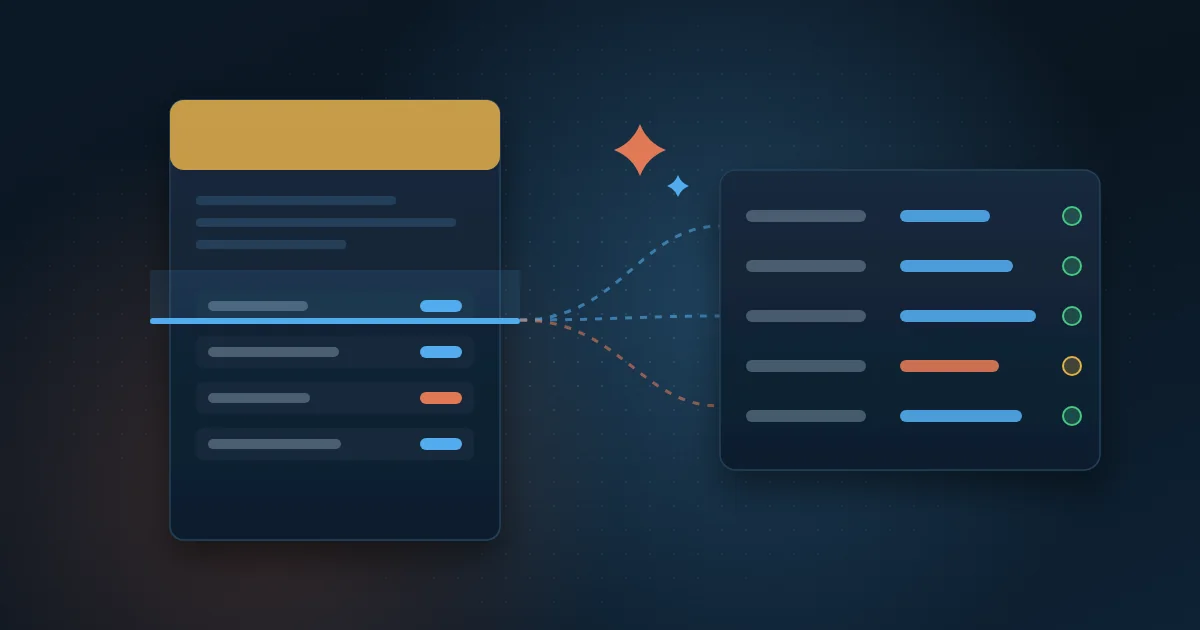
Automated invoice reading is the process of turning billing documents, whether PDF, image or e-mail, into structured data without typing. Instead of someone copying the total amount, the due date and the consumption of each bill, the system extracts these fields, checks them and saves them to a database.
A complete flow usually has six stages:
- Collection: download the invoices from portals and mailboxes.
- Classification: identify the document type and the issuer.
- Extraction: read the fields with OCR, AI or both.
- Validation: check totals, dates and history with automatic rules.
- Review: send to a person only what failed the rules.
- Integration: post to the ERP and accounts payable, keeping the original document.
How do you collect invoices from portals and e-mail?
Collection is the most underestimated stage. Energy, water and telecom utilities usually make bill copies available on portals that require a login, each with its own layout. Suppliers send invoices by e-mail, sometimes as an attachment, sometimes as a link.
Python robots can log in to the portals, download the month's files and rename them with a standard pattern, such as issuer, site and billing period. For e-mail, the ideal is a mailbox dedicated to invoices, which the robot reads, separating and filing the attachments. This work is part of process automation and needs control: a list of all invoices expected in the month, so you know right away which one has not arrived.
When the supplier issues an e-invoice (NF-e), the XML file already contains structured data. In these cases, read the XML instead of the PDF: it is faster and eliminates reading errors.
OCR or language models: which should you use to read invoices?
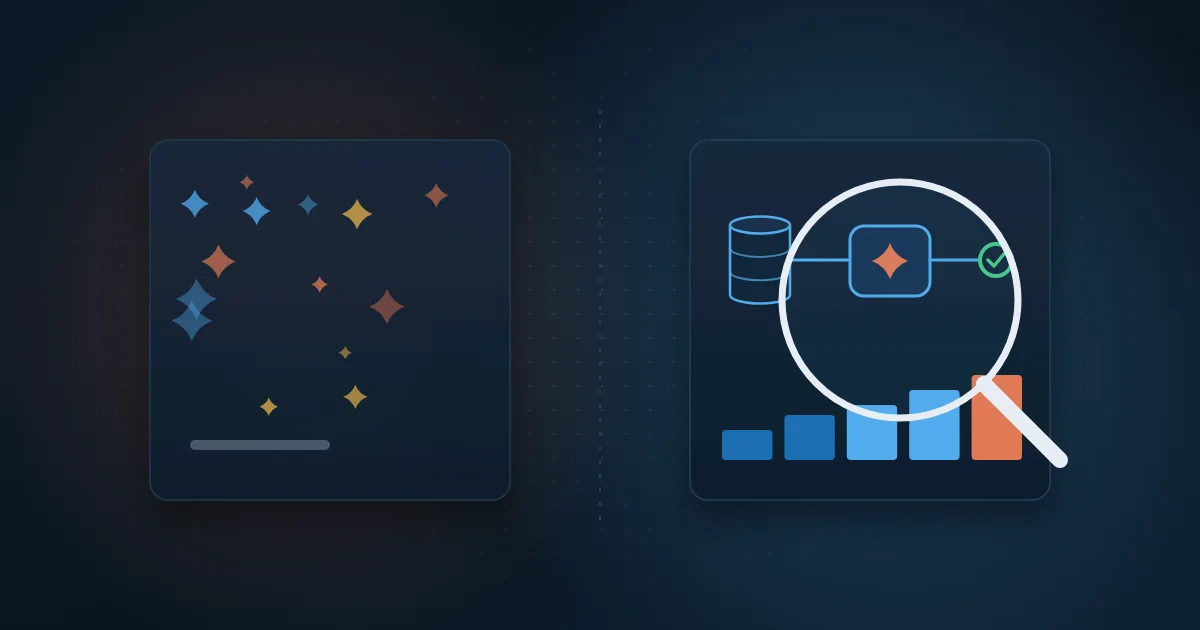
OCR, short for Optical Character Recognition, is the technology that converts an image of text into characters. Language models, such as those from OpenAI, go further: they understand the document's context and return the fields already organized. The two complement each other.
Where traditional OCR works well
OCR with layout templates works well when there are few issuers and stable formats. You define where each field is and the system always reads from the same place. The problem appears when the utility changes its layout or when each supplier uses a different format: every change requires adjusting the template.
Where AI makes a difference
In AI-powered invoice OCR, the language model receives the text or image and a clear instruction, for example: extract the consumer unit number, reading period, consumption in kWh, total amount and due date, and return them in a fixed format. This handles varied layouts and fields that change position better. In return, it requires strict validation, because a language model can return a value that is plausible but wrong.
In practice, the safest combination is to use OCR to get the text, AI to structure the fields and fixed business rules to check the result. See how AI applied to processes works at Wolkee.
Which validation rules should you apply?
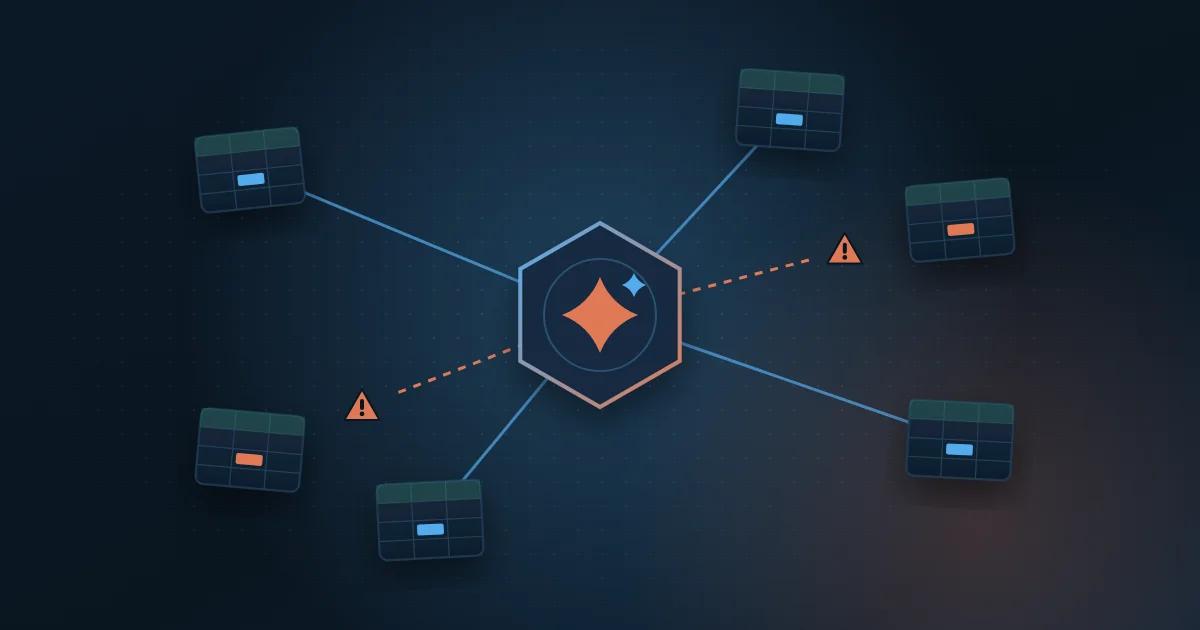
Validation is what makes automated reading reliable. No data should go to the ERP without passing rules like these:
- Totals: the sum of items, taxes and charges matches the invoice total.
- Dates: the due date is after the issue date and the reading period does not overlap with the previous month's.
- Consumption history: consumption is within an expected range compared with the same site's recent months.
- Master data: the issuer's tax ID (CNPJ), the unit or contract number and the cost center exist in the master data.
- Duplicates: the same invoice has not been posted before, even with a different file name.
- Rate: the unit price is consistent with the contract or the current tariff.
Each rule produces a clear status. If everything passes, the invoice moves on by itself. If something fails, it goes to the review queue with the reason described.
Human review only for exceptions
The goal is not to remove people from the process but to use their time where it matters. Instead of checking every invoice, the analyst gets a queue with only those that failed the rules, with the original document next to the extracted fields and the reason for the alert.
The analyst corrects the field, approves or rejects, and the decision is recorded. Over time, the most frequent exceptions become new rules or adjustments to the AI instruction, and the queue shrinks. Tracking the exception rate by issuer shows where the process still needs attention.
How do you integrate with the ERP and keep an audit trail?
Once validated, the data flows to the ERP and accounts payable via API, integration file or database, depending on the system. The entry carries the cost center, the site and a link to the original document, which makes checks at month-end close easier.
The audit trail records every step: when the invoice was collected, which model version read it, which rules passed or failed, who reviewed it and when it was posted. Keep the original PDF unchanged. In an internal or external audit, you can show the source of any number in a few clicks.
What are the most common mistakes and how do you avoid them?
Many problems in invoice reading projects come from process design, not technology. Watch out for these points:
- Trusting extraction without validation rules: every critical field needs an automatic check.
- Ignoring invoices that did not arrive: without a list of what is expected, a late bill only shows up when it generates a fine.
- Reading the PDF when a structured file exists, such as the NF-e XML.
- Not versioning AI instructions and models, which makes it impossible to explain why a field was read a certain way.
- Treating all invoices the same: energy, water, telecom and supplier invoices have different fields and validations.
- Leaving the automation without an owner: someone in the business team must be accountable for exceptions and rules.
How do you start with a pilot?
A well-designed pilot proves the value with little risk and helps define the full scope. Follow these steps:
- Choose one invoice type with relevant volume, such as energy bills from several sites.
- Measure the baseline: hours spent per month, process lead time and errors found.
- Set aside a sample of real invoices from a few months, including difficult cases.
- Define the mandatory fields and validation rules with the accounts payable team.
- Run the pilot in parallel with the manual process and compare the results field by field.
- Adjust rules and instructions, define the exception flow and only then integrate with the ERP.
In energy, the same flow paves the way for the next stages, such as allocating distributed generation credits across consumer units. We explain this process in the article on distributed generation credit management.
How Wolkee helps
Wolkee builds systems for the solar energy sector that manage more than 1 GW of plants. In them, robots download utility bills, AI reads them, credits are allocated per contract, billing is generated and the energy reported by the utility is audited against the inverters. At Grupo Paulo Octavio, invoice reading went from three weeks to minutes.
If you want to automate the reading of energy, water, telecom or supplier invoices, book a free 30-minute assessment. We review your documents and current flow and, when it makes sense, show you a working prototype before the contract.
Frequently asked questions
Can OCR read any invoice?
Not with the same quality. OCR depends on how clear the document is: digital PDFs are read easily, while skewed photos, low-resolution scans and stamps over the text cause errors. That is why it pays to prioritize the digital bill copy from the portal or the XML, and to use validation rules to flag doubtful readings before posting.
Can AI make mistakes when reading an invoice?
Yes, and the process must account for it. Language models sometimes return a plausible value that is not in the document or swap similar fields, such as issue date and due date. The safeguards are automatic rules, such as summing the items and comparing with history, and human review of the exceptions.
Is it safe to use AI to read invoices with company data?
Yes, as long as some precautions are taken. Use an AI service with an enterprise agreement that does not use your data to train models, control who accesses the documents and define how long they are kept. If the invoices contain personal data, such as customer names and CPF numbers (individual taxpayer IDs), processing must follow the LGPD (Brazil's data protection law).
Does automated reading work for supplier invoices?
Yes, and it is often even simpler. For product e-invoices (NF-e), the XML contains all fields in structured form and makes OCR unnecessary. Invoices and receipts without a structured file vary in format by issuer, and that is where AI extraction helps. In every case, validate the tax ID (CNPJ), amounts and duplicates before posting to accounts payable.